Home
Discover
Premiums
Generate AI Video
Contest
Upload
Profile
Prefs
Theme
Top Accounts
Top Videos
English
About
Feedback
Support
T&C
Privacy
DMCA
© 2026 HUGE.com
Filters
Sign Up
Log In
AI Video Generator
Browse AI Generated Videos
Videos
all
by ai model
AI Models
Kling 2.1 (pro):
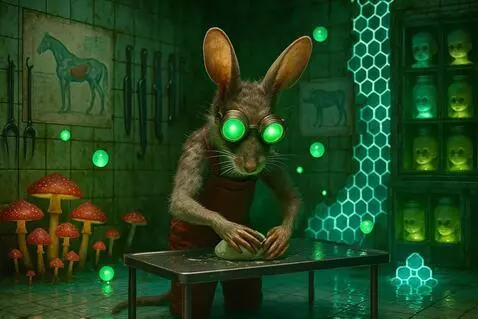
Rat molds clay into a little horse. Green glowing orbs slowly hover and reflect.
Kling 1.0 (pro):
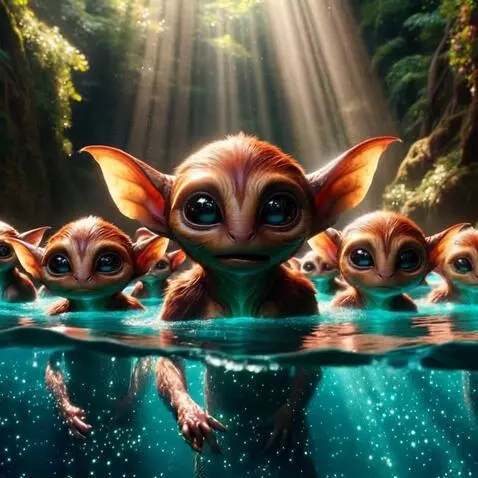
The brown elves are walking forward in the water
Kling 2.1 (standard):
Boy draws tattoo of bellydancer on his chest
Pika v2 Turbo:
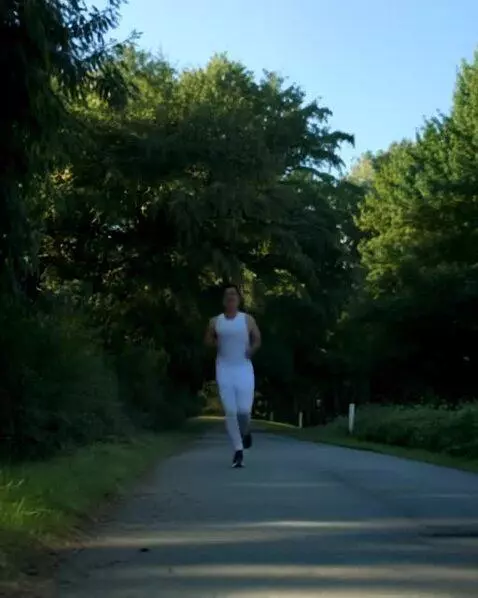
Healthy Lifestyle motivational video
CogVideoX-5B:
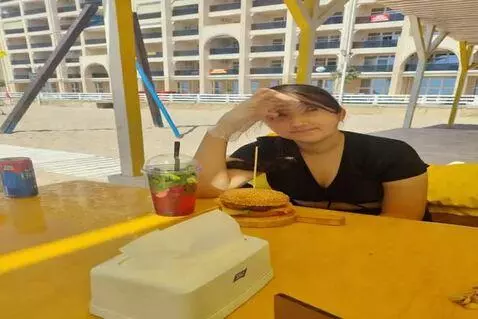
The girl gets up from her chair and flies to the city of Saratov, where she finishes her burger.
Wan 2.1:
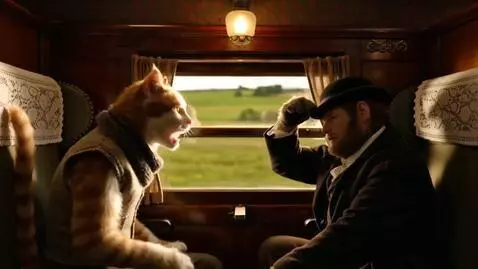
Action (8 seconds): Inside a Victorian train carriage, two realistic Cat-Men sit opposite each other. Watson (кот-человек), dressed in a wool vest and scarf, yawns loudly and glances out the window at green fields racing by. His ears droop with tiredness. At 3 seconds he turns back toward Sherlock and speaks. Sherlock (кот-человек), dressed in his deerstalker and dark coat, sits perfectly straight, adjusting his hat with one paw while keeping a steady gaze. At 5 seconds Sherlock tilts his head, eyes sharp, and delivers his remark with dry wit. Watson’s ears perk up in surprise as the train rattles on. Camera: Medium-wide shot shows both seated with window light streaming in. At 3 seconds cut to Watson’s face in close-up as he yawns and speaks. At 5 seconds pan across to Sherlock’s face in profile as he answers. The final second lingers in a balanced two-shot. Lighting: Warm golden glow from an oil lamp above. Window light flickers with the train’s movement, creating shifting shadows. Sound: Clatter of train wheels on tracks, soft wind outside, Russian dialogue clear in the mix. Aesthetics: Cinematic Victorian train detail: wooden panels, velvet seats, brass handles. Atmosphere mixes authenticity with humor. Visual accents: Watson’s breath fogs slightly against the cool glass window. Sherlock’s paw briefly adjusts his hat before he speaks. Reflections of passing landscape flicker across their fur.
MiniMax:
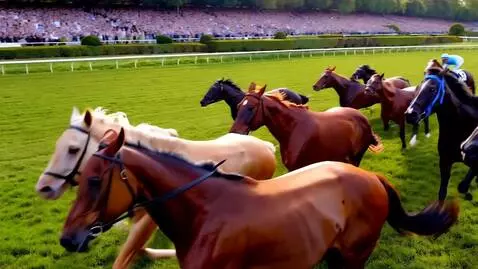
Different horse racing
PixVerse v4:
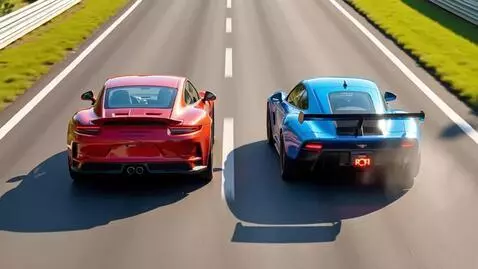
Different car racing
PixVerse v4.5:
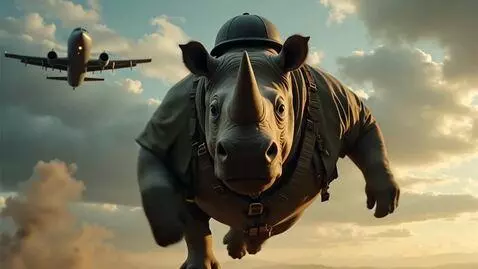
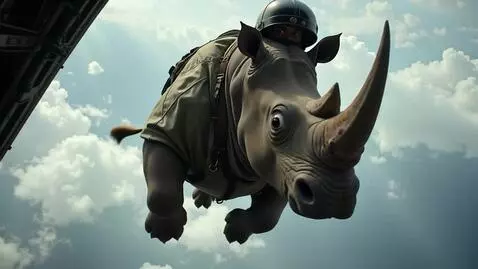
An enormous rhinoceros in a full paratrooper jumpsuit and helmet, jumping out of a military transport plane. Front-angle camera view, the rhino's huge terrified eyes wide with fear, panic. Cinematic, photorealistic, slow motion, high detail, 8k, dramatic sky background
PixVerse v4.5:
An enormous rhinoceros in a full paratrooper jumpsuit and helmet, jumping out of a military transport plane. Front-angle camera view, the rhino's huge terrified eyes wide with fear, panic. Cinematic, photorealistic, slow motion, high detail, 8k, dramatic sky background
Hunyuan Video:
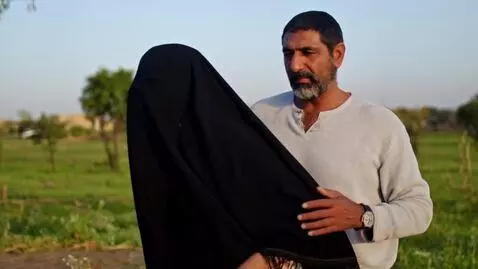
Natural rural Egyptian beggar female mature wearing black hijab her Big round rural curvy chest at field and Egyptian Man holding her
Kling 1.6 (pro):
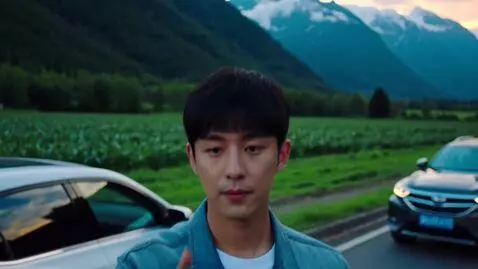
Keyframe 1 – Close-Up (Starting Point) Low, wide-angle shot of a young man with short black hair standing on the roadside at dusk. He holds his phone and looks toward the camera. Beside him: a white SUV and a dark car, parked against lush green fields. Dark mountains rise in the background beneath a dramatic, cloud-filled blue sky. Subject stays centered. Keyframe 2 – Roadside & Cars (Pullback) Camera pulls back slightly. Full roadside visible with both cars clearly in frame. Fields stretch out toward the mountains. Man remains in the middle of the shot. Keyframe 3 – Landscape & Valley (Wider View) Drone shot now reveals the full valley and sweeping mountain range. Roadside becomes a smaller element within the vast scenery. Atmosphere: dusk light, mix of warm glow and deep blue tones. Keyframe 4 – Regional Aerial (High Altitude) Camera continues pulling back, now at a high aerial view. Entire region visible: roads, fields, mountains blending into a larger landscape. Man and cars fade into scale, but remain part of the shot. Keyframe 5 – Continental View Zoom-out transitions into a wide aerial view of the continent. Gradual morph between real landscape and globe view for smooth continuity. Keyframe 6 – Final Shot (Earth from Space) Seamless transition into a breathtaking, photorealistic full view of Earth from orbit. Planet slowly rotates, framed against the blackness of space. Cinematic finale. ⚡ You can adjust timing: Keyframes 1–2: 3 seconds Keyframes 3–4: 5–6 seconds Keyframes 5–6: 6–8 seconds (Total: ~15–20 seconds, perfect cinematic length).
CogVideoX-5B:
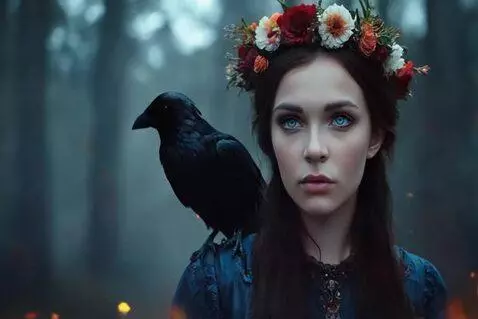
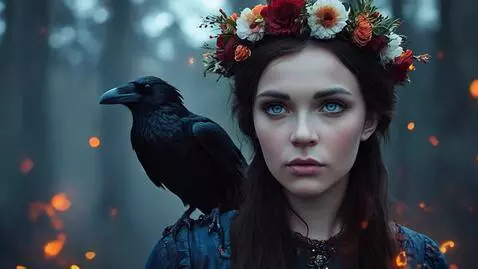
{ "model": "SDXL 1.0", "width": 1344, "height": 768, "steps": 32, "cfg_scale": 6.5, "sampler": "DPM++ 2M Karras", "seed": 3275948214, "prompt": "Cinematic portrait of a young woman in a misty forest at dusk, (jet-black straight hair:1.4), middle part, (wildflower wreath crown made of twigs and dried blossoms:1.3), (a raven perched on her left shoulder:1.3), dark folk dress with embroidered neckline, intense calm gaze, floating embers and glowing sparks, teal-and-orange color grading, shallow depth of field, creamy bokeh, volumetric fog, soft rim light, realistic skin texture, ultra-detailed feathers, soft film grain, subtle vignette, 85mm lens, f/2, photorealistic", "negative_prompt": "blurry, low-res, noisy, jpeg artifacts, text, watermark, logo, signature, oversaturated, flat lighting, extra animals, more than one raven, duplicate bird, deformed, mutated, extra fingers, extra limbs, missing crown, hat, hood, helmet, metal tiara, curly hair, wavy hair, bangs, short hair, brown/blonde/red hair, exaggerated makeup, open mouth, teeth smile, cross-eye, bad anatomy, tiling background", "hires_fix": { "enable": true, "scale": 1.5, "upscaler": "4x-UltraSharp", "steps": 10, "denoise_strength": 0.35 }, "postprocess": { "vignette": "subtle", "film_grain": "mild" }, "notes": "Saç düz ve simsiyah; çiçek-dal tacı mutlaka görünsün; kuzgun tek ve sol omuzda; turuncu korlarla sinematik teal-orange renk uyumu." }
Kling 2.1 (pro):
{ "model": "SDXL 1.0", "width": 1344, "height": 768, "steps": 32, "cfg_scale": 6.5, "sampler": "DPM++ 2M Karras", "seed": 3275948214, "prompt": "Cinematic portrait of a young woman in a misty forest at dusk, (jet-black straight hair:1.4), middle part, (wildflower wreath crown made of twigs and dried blossoms:1.3), (a raven perched on her left shoulder:1.3), dark folk dress with embroidered neckline, intense calm gaze, floating embers and glowing sparks, teal-and-orange color grading, shallow depth of field, creamy bokeh, volumetric fog, soft rim light, realistic skin texture, ultra-detailed feathers, soft film grain, subtle vignette, 85mm lens, f/2, photorealistic", "negative_prompt": "blurry, low-res, noisy, jpeg artifacts, text, watermark, logo, signature, oversaturated, flat lighting, extra animals, more than one raven, duplicate bird, deformed, mutated, extra fingers, extra limbs, missing crown, hat, hood, helmet, metal tiara, curly hair, wavy hair, bangs, short hair, brown/blonde/red hair, exaggerated makeup, open mouth, teeth smile, cross-eye, bad anatomy, tiling background", "hires_fix": { "enable": true, "scale": 1.5, "upscaler": "4x-UltraSharp", "steps": 10, "denoise_strength": 0.35 }, "postprocess": { "vignette": "subtle", "film_grain": "mild" }, "notes": "Saç düz ve simsiyah; çiçek-dal tacı mutlaka görünsün; kuzgun tek ve sol omuzda; turuncu korlarla sinematik teal-orange renk uyumu." }
Vidu Q1:
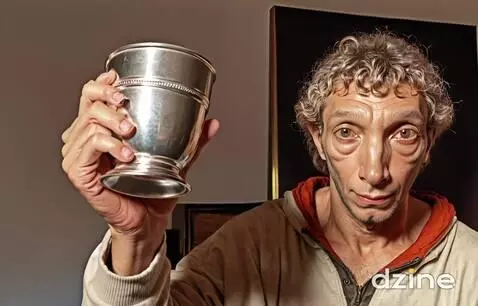
The man toasts being very happy, laughing, winking.
«
1928
1929
1930
1931
1932
»
You need to enable JavaScript.